
How to get a free Oracle Cloud server: 2 cores, 12 GB RAM, 200 GB storage
The exact clicks to create an Always Free Ampere server, the two mistakes to avoid, and how to keep the server from being reclaimed.

Quick answer
Yes. Oracle Cloud's Always Free tier includes an Arm-based Ampere A1 server with 2 OCPUs and 12 GB of RAM, plus 200 GB of storage, at no cost and with no end date. You need a card for identity verification only (Oracle says it won't be charged unless you upgrade), you must create the server in your home region, and Oracle can reclaim it if it sits idle for 7 days.
- 2 Arm cores (A1)
- 12 GB RAM
- 200 GB Storage
- $0 Always Free tier
What you get for free
| Compute | 1,500 OCPU hours and 9,000 GB hours a month on VM.Standard.A1.Flex, which Oracle says equals 2 OCPUs and 12 GB of memory
[1]
|
|---|---|
| Servers | One or two A1 instances, 2 OCPUs in total [1] |
| Storage | 200 GB of block storage in total (boot and block volumes combined), plus five volume backups [1] |
| Region | Always Free compute must be created in your home region [1] |
| After the trial | Always Free keeps running; your card is not charged unless you upgrade [2] |
| Trial credit | US$300 for up to 30 days, for paid services [2] |
Before you start
- An email address and a mobile number.
- A credit card, or a debit card that works like a credit card. Oracle doesn't accept debit cards with a PIN, or virtual, single-use or prepaid cards.
- Only one free account per person. Oracle prohibits creating more than one.
- About 30 minutes, and a terminal for the last step (Terminal on macOS or Linux, PowerShell on Windows).
Part 1
Create your Oracle Cloud account
-
Step 1: Open the sign-up page
oracle.com/cloud/free then
-
Step 2: Fill in your details and choose your home region carefully
Your home region can't be changed later, and the free server has to be created there. Pick the region closest to you; in India that's Mumbai (ap-mumbai-1) or Hyderabad (ap-hyderabad-1).
-
Step 3: Add a card for verification only
Add payment verification method then Credit Card
Oracle's docs say: "Your credit card will not be charged unless you upgrade your account." Oracle may place a temporary authorization hold to check the card; its FAQ says banks usually remove it within three to five days.
-
Step 4: Start the free trial
then Console
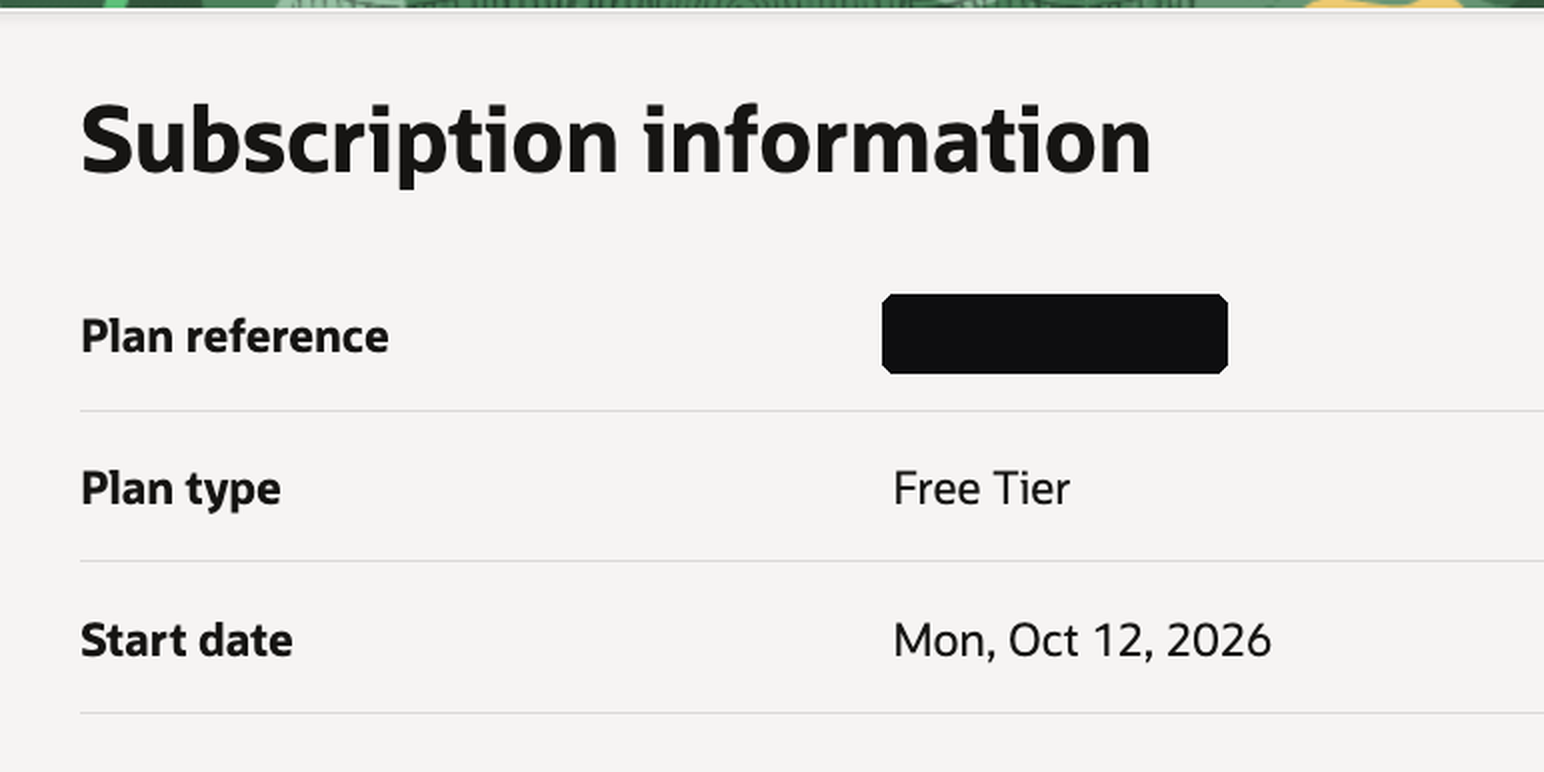
You also get US$300 of credit for 30 days. When the trial ends, do nothing: your Always Free resources keep running.
Part 2
Create the server
-
Step 5: Open the Instances page
☰ Menu then Compute then Instances then
-
Step 6: Choose the image: Ubuntu
Change image then Ubuntu
-
Step 7: Choose the shape: Ampere A1, 2 OCPUs, 12 GB
Change shape then Ampere then VM.Standard.A1.Flex
Number of OCPUs: 2 then Amount of memory (GB): 12
-
Step 8: Set up networking and your SSH key
Assign a public IPv4 address
Generate a key pair for me then
Keep the downloaded private key safe. It's the only way to log in to the server.
-
Step 9: Set the boot volume to 200 GB
Specify a custom boot volume size then 200
The default is 50 GB. Boot and block volumes share the 200 GB free allowance, so 200 GB here uses all of it. Choose less if you want separate block volumes later.
-
Step 10: Create it, then copy the public IP
then State: RUNNING then Public IP address
Part 3
Log in and check you got the free machine
-
Step 11: Log in with SSH
Use Terminal on macOS or Linux, or PowerShell on Windows. On Ubuntu the username is ubuntu (on Oracle Linux it's opc). Replace
PUBLIC_IPwith the address you copied.chmod 400 your-key.keyssh -i your-key.key ubuntu@PUBLIC_IPOn Windows, skip chmod; if ssh says the key's permissions are too open, limit the file to your own user in its Properties > Security tab. -
Step 12: Confirm the specs
nproc2free --si -h | awk '/Mem/ {print "RAM:", $2}'RAM: 12Glsblk -d -o NAME,SIZE -e 7NAME SIZEsda 200Glscpu | grep "Model name" | tr -s " "Model name: Neoverse-N1Real output from my own Always Free server on 28 Oct 2026. Neoverse-N1 is the Arm core inside Ampere A1.
If something goes wrong
Frequently asked questions
Is Oracle Cloud's free tier really free forever?
Always Free resources have no end date and keep running after the 30-day trial. Oracle can still reclaim an instance that stays idle for 7 days, and may suspend an account left idle for 30 days or more.
Will Oracle charge my card?
Not unless you upgrade. Oracle's docs say your credit card will not be charged unless you upgrade your account. It may place a temporary authorization hold to check the card, which banks usually remove within three to five days.
Why do older guides say 4 cores and 24 GB?
Oracle's current Always Free page gives every tenancy 1,500 OCPU hours and 9,000 GB hours a month on Ampere A1, which it says equals 2 OCPUs and 12 GB of memory. Older guides describe a larger allowance that no longer applies.
Which region should I pick?
The one closest to you and your users. Choose carefully: your home region can't be changed, and Always Free compute must be created there. In India, that's Mumbai (ap-mumbai-1) or Hyderabad (ap-hyderabad-1).
What does "Out of host capacity" mean?
Your home region has temporarily run out of Always Free shapes. Try another availability domain, or wait and try again.
What username do I use for SSH?
ubuntu on Ubuntu images, and opc on Oracle Linux.
What happens when the 30-day trial ends?
Always Free resources keep running. Paid resources you created with the trial credit are reclaimed unless you upgrade your account.
If I upgrade to Pay As You Go, will I be charged?
Oracle's FAQ says you are only charged for the services you use beyond Always Free.
Sources
Update history
- Re-checked every fact against Oracle's docs and FAQ; published on the website.
- First version, shared as images with the Instagram reel.